Tag: VPS Server

  • How to choose the best USA RDP for your business

    How to choose the best USA RDP for your business

    In today’s digital era, Remote Desktop Protocol (RDP) has become an essential tool for businesses to enhance their productivity and streamline operations. Choosing the right USA RDP provider can greatly impact your business’s efficiency, security, and overall success. This article will guide you through the key factors to consider when selecting the best USA RDP for your business needs.

    Advantages of using USA RDP

    USA Admin RDP offers a range of benefits that make it an ideal choice for businesses and individuals alike. One of the key advantages of using USA Admin RDP is the enhanced security measures it provides. The United States has stringent data protection regulations, ensuring that your sensitive information and data are safe. With USA Admin RDP, you can benefit from robust encryption protocols and firewall protection, reducing the risk of unauthorized access and data breaches. This added layer of security is crucial, especially for businesses that handle confidential client information or conduct financial transactions online.

    Furthermore, USA Admin RDP offers excellent network performance and reliability. The United States boasts a highly developed and advanced internet infrastructure, ensuring fast and stable connections. This is particularly advantageous for businesses that rely on seamless remote access to their systems and applications. With USA Admin RDP, you can experience minimal latency and downtime, enabling you to work efficiently and effectively. Additionally, the reliable network infrastructure ensures that your data transfers are smooth and uninterrupted, allowing for quick and easy file sharing and collaboration. Overall, USA Admin RDP provides a secure and reliable remote access solution that is essential for businesses operating in today’s digital landscape.

    Advantages of using USA RDP - best USA RDP

    Factors to consider when choosing USA RDP

    Certain parameters should be taken into account when choosing USA RDP. Starting with security, it is a crucial metric when it comes to accessing remote systems. Look for an RDP solution that offers robust encryption to protect data during transmission. Features like SSL/TLS encryption, two-factor authentication, and session recording can enhance the security of your remote connections. It’s also necessary to ensure that the RDP solution is compatible with the operating systems and devices you plan to use. It should support various platforms such as Windows, macOS, Linux, iOS, and Android. Compatibility with different versions of RDP and remote desktop clients is also important.

    You better look for an RDP that offers fast and responsive performance. This includes low latency, smooth screen rendering, and quick file transfer speeds. Consider the network bandwidth requirements and the ability to optimize performance for different network conditions. Not only that, you’ll also need an RDP solution that provides good technical support. Look for a vendor with a good track record, regular updates, and responsive customer support.

    If you need to support multiple simultaneous connections or a large number of users, consider the scalability of the RDP solution. Look for features like load balancing, session management, and centralized administration tools that can handle your scalability requirements.

    Last but not least, pricing is an important factor for almost everyone these days. Be sure the choose a plan that is budget-friendly, but doesn’t cut the quality because of the low price.

    Factors to consider when choosing USA RDP

    Types of USA RDP

    There are several types of RDPs that we’ve listed below:

    ICA: Independent Computing Architecture is a proprietary protocol developed by Citrix that works with Citrix-based remote desktop software, such as Citrix Virtual Apps and Desktops, Citrix Workspace app, and Citrix Receiver. ICA supports multiple monitors, dynamic resolution, smart sizing, device redirection, and multi-factor authentication.

    VNC: Virtual Network Computing is an open-source protocol that works with cross-platform remote desktop software, such as RealVNC, TightVNC, UltraVNC, and TigerVNC. VNC supports multiple monitors and smart sizing.

    NX: NX is a proprietary protocol developed by NoMachine that works with Linux-based remote desktop software, such as NoMachine NX Server and X2Go. NX supports multiple monitors and dynamic resolution.

    SPICE: Simple Protocol for Independent Computing Environments is an open-source protocol that works with virtualization-based remote desktop software, such as Red Hat Virtualization and oVirt. SPICE supports multiple monitors and dynamic resolution.

    Server specifications and performance

    When choosing the right USA RDP, server specifications and performance play a crucial role. The server specifications determine the capabilities and resources of the RDP server, such as the processor, memory, storage, and network connectivity. These specifications directly impact the overall performance and responsiveness of the RDP connection.

    A powerful processor and ample memory ensure smooth multitasking and fast data processing, while sufficient storage allows for storing and accessing files and data. Additionally, a stable and high-speed network connection is essential for seamless remote access and efficient data transfer. Therefore, carefully considering and selecting the appropriate server specifications and performance is vital in ensuring a reliable and satisfactory RDP experience.

    Scalability and future growth

    Scalability refers to the ability of the RDP service to handle increasing demands and accommodate growth in terms of users, data, and functionality. It is essential to choose an RDP provider that offers flexible and scalable solutions, allowing businesses to easily scale up or down their resources as needed. Future growth is equally important, as businesses must consider their long-term goals and ensure that the chosen RDP service can support their anticipated growth and expansion. By selecting an RDP service that prioritizes scalability and future growth, businesses can seamlessly adapt to changing needs and ensure a smooth and uninterrupted workflow.

    So it goes without saying that if you have a long-term plan for your business, you should definitely see your business in one year, five years, or even ten years from now. This makes scalability an important factor that must be taken into consideration.

    Scalability and future growth

    Security features and protocols

    These features and protocols are like the superheroes of the digital world, protecting your data and privacy from potential threats. They help create a secure tunnel between your device and the RDP server, encrypting your data so that it can’t be intercepted by cyber-criminals. Think of it as a virtual fortress that shields your information from unauthorized access, giving you peace of mind while you navigate the vast online landscape. So, when choosing a USA RDP, make sure it has robust security features and protocols in place because, in this digital age, it’s better to be safe than sorry!

    USA admin RDP can provide you with the safety you need for your business. As mentioned, The United States has rigid data protection regulations, ensuring that your sensitive information and data are safe.

    Choosing the right hosting provider

    When you’re choosing a USA RDP hosting provider, there are several factors to ensure you make the right decision. Firstly, reliability and uptime should be a top priority. Look for a hosting provider that guarantees high uptime and has a robust infrastructure to minimize any potential downtime.

    Secondly, consider the server’s performance and speed. Search for a hosting provider that offers fast and efficient servers to ensure smooth operation and quick response times. Additionally, security is crucial when dealing with remote desktop protocols. Ensure the hosting provider offers robust security measures, such as firewalls and encryption, to protect your data from potential threats. Lastly, consider the customer support provided by the hosting provider. Look for a company that offers 24/7 customer support to address any issues or concerns promptly. By considering these factors, you can choose the right hosting provider for your USA RDP needs, ensuring a reliable, secure, and high-performing hosting experience.

    Here at NeuronVM, we offer reliable USA Admin RDP with 24/7 customer support, tailored for your personal or business needs.

    Budgeting and pricing considerations

    It’s important to strike a balance between affordability and the quality of service you receive. First and foremost, assess your needs and determine the features and specifications required for your specific tasks. This will help you avoid overspending on unnecessary resources. Additionally, consider the pricing structure offered by different providers. Some may charge a flat rate, while others offer flexible plans based on usage. Take into account any additional costs such as data transfer or storage fees. Lastly, don’t forget to check for any discounts or promotions that could help you save money without compromising on performance. By carefully considering your budget and pricing options, you can find a USA RDP that meets your needs without breaking the bank.

    Case studies and success stories

    An international company that deals with software development, faced challenges in managing their remote workforce spread across different countries. They decided to invest in USA-based Remote Desktop Protocol (RDP) services to improve their efficiency and productivity. By purchasing USA RDP, they gained access to high-speed internet connections, superior infrastructure, and advanced security features. As a result, their teams were able to collaborate seamlessly, share resources effortlessly, and complete projects promptly. The USA RDP solution significantly enhanced their remote work setup, leading to improved team performance and increased client satisfaction.

    There are also many entrepreneurs selling products to customers worldwide. In a case study, some of them planned to provide a smooth and reliable shopping experience and they used USA RDP services. By purchasing USA RDP, they gained access to a stable and high-speed internet connection, enabling them to manage their online store efficiently. The USA RDP solution allowed them to handle large volumes of customer orders, process payments securely, and maintain a responsive website. This resulted in increased sales, improved customer satisfaction, and expanded their business reach globally.

    Conclusion and final thoughts

    All in all, finding the best USA RDP is crucial for individuals and businesses alike. By carefully considering factors such as performance, security, customer support, and pricing, users can ensure they make an informed decision. Whether it’s for remote work, accessing geo-restricted content, or enhancing online privacy, selecting a reliable and efficient USA RDP will undoubtedly contribute to a seamless and productive online experience.

  • The Benefits of Using VMware ESXi for Virtualization

    The Benefits of Using VMware ESXi for Virtualization

    The purpose of this article is to familiarize you with the benefits of using VMware ESXi for virtualization. If you need to install a virtualizer on your system, we can introduce you to VMware, which is one of the most reliable and well-known virtualizations. With this security virtualizer, you can provide virtual machine management and reliability on physical servers and use ERP and CRM systems to run applications with intensive resources.

    What is VMware ESXi?

    VMware ESXi, also known as VMware ESXi Server, was developed by VMware for VSphere and is a bare metal hypervisor. ESXi is a core component of VMware’s infrastructure software suite. This is a type 1 hypervisor. That is, it runs directly on system hardware without the need for an OS and can run directly on hardware. Hypervisors are very applicable because they run multiple virtual machines on a single physical server.

    vmware esxi virtualization

    ESXi virtualizer is aimed at small organizations and individuals. Administrators can also use the Vsphere client to configure ESXi and update it with the help of the lifecycle manager plugin. The installation location of this virtualizer is directly on a local disk in the host device. After the VMkernal receives a resource request, it forwards the request to the kernel on the host’s physical hardware.

    What are the Benefits of VMware ESXi?

    After a short description of VMware ESXi, we will now examine the benefits of this efficient virtualizer to give a clearer vision.

    1) Enhanced Security

    VMware ESXi includes a strong encryption system to protect sensitive data with virtual machines. It also restricts access for a streamlined administration, expands auditing and logging capabilities to create more transparent reporting, and simplifies the retrospective analysis.

    2) Stable Operation and Performance

    Applications with the ability to deploy powerful virtual machines of any size (it can be up to 128 vCPU, 6 TB RAM, and 120 different devices) are supported by this hypervisor to meet the needs of various applications.

    3) Comfortable Working Conditions

    VMware ESXi includes a modern and integrated interface based on html5 standards to support daily management. But VMware uses CLI Vsphere and rest-based APIs suitable for developers to automate processes. Also, you can run basic administrative commands from any computer with network access by having the Vsphere CLI command interface available.

    advantages of vmware esxi - vsphere

    4) Quick Installation Process

    Installing VMware ESXi in a data center is very easy and quick because it has a lightweight footprint. You can experience the high quality of servers by viewing and purchasing one of the cheap dedicated server plans from our website and installing and running VMware ESXi on it.

    5) Simple and User-friendly GUI

    VMware ESXi provides a direct console user interface, a web client, and a Vsphere client to manage the Vsphere environment. If we want to give an example in this field, we can say that the web client allows an administrator to manage virtual infrastructures without installing Vsphere.

    6) Ability to use Virtual Graphics Processors

    VMware ESXi can used repeatedly in virtual graphics processor technology or vGPU. This technology is where users can run heavy programs remotely. For example Autocat, Maya, or 3Ds max.

    What is Meant by Vsphere in VMware?

    According to the definition provided by VMware itself, Vsphere is a virtualization platform in an enterprise format. It is worth noting that Vsphere is the brand name of VMware virtualization products and features. One of the advantages of this solution is that it allows you to build a flexible and reliable infrastructure that meets every business need while saving money.

    The solution also enables existing data centers to shift to cloud computing and provides a means to increase hardware utilization from 15 percent to 80 percent or more without compromising performance. Vsphere reduces unplanned downtime.

    Conclusion

    As mentioned above, VMware is a virtualization system that contains many features. This hypervisor has a light structure and allows you to allocate resources in a more efficient way. You can use a single physical machine and create multiple VMs, each running different operating systems and applications. Here, we tried to define VMware for you and introduce some benefits of using this technology for virtualization. If you have any questions, please leave a comment.

  • Admin RDP vs. User RDP: What’s the Difference?

    Admin RDP vs. User RDP: What’s the Difference?

    Remote Desktop Connection Protocol (or RDP for short) is a proprietary protocol, developed by Microsoft and used to graphically represent a connection to a computer connected to a network. RDP is a protocol for working with another system completely offsite. But in the rest of this post, we will explain the difference between Admin RDP and User RDP.

    The Difference between Admin RDP and User RDP

    In the rest of this article, we will explain the definition and benefits of each of the Admin RDP and User RDP services. Then we will compare these two services from the aspects of Resources, Security, Virtualization, Accounts, OS, Port, Installing Programs, IP, and Access Level.

    What is Admin RDP?

    The RDP protocol was introduced in 1998 by Microsoft. This protocol allows the user to connect to another server instead of going to the server room or sitting behind the destination system to remotely connect to the server or the destination system and do his work. So, the RDP protocol allows the user to remotely connect to the server or target system through the network. RDP is used for remote work and management of services and windows that are started on the main server. We recommend you choose one according to your needs after viewing Admin RDP plans and enjoy the high quality and speed of this service.

    Advantages of Admin RDP

    In this section, we are going to mention some features of Admin RDP. These features include the following:

    • Faster and more reliable RDP connection using a dedicated resource pool.
    • Full root access to the server
    • Dedicated IP address
    • The adjustability of programs and operating system
    • Full root access to the server
    • Ability to create firewall options and access security features
    • Ability to increase resources

    What is User RDP?

    In this part of the paper, we are going to introduce you to User RDP. User RDP is like an account, not a server. In User RDP, the developer does not receive any personal resource or IP address. All the main resources like RAM, CPU, connection, and bandwidth on the host server will be shared among other developers.

    Users will only get dedicated storage space on a server. In User RDP, all user accounts use the same server to store data. Also, the number of developers or other users with whom you must share resources is defined by the type of sharing plan.

    In User RDP, accounts are managed through the Active Directory Service of Windows Server. User RDP has no regular maintenance except maybe once a month. If any RDP subscriber consumes too many resources, it may affect other users. If the server does not have any security or configuration, there will be some security issues in the user accounts. A webmaster does not perform the basic tasks of installing/uninstalling software on the server. It limits the possibilities of a website. Such resource-limited websites are only good for browsing-related uses.

    Advantages of User RDP

    In this section, we are going to mention some features of User RDP. These features include the following:

    • High computing speed compared to regular servers
    • No need for a website administrator
    • High network speed
    • Dedicated storage space
    • Lowest fees for single-user accounts

    Admin RDP vs User RDP

    In the continuation of this article, we will compare Admin RDP and User RDP with 10 parameters.

    1) Resources

    All resources in a User RDP are shared by the hosting company’s customers. Only the provided storage space is allocated and inaccessible to any other client. Limited resources often affect the user experience on the server. When a single client uses a high amount of resources, it also affects the performance of other users.

    When the customer wants to allow several users to access their server, the quality of the server will not be good. This is why User RDP is only preferred for browsing websites and has no facility for user accounts or user data storage where multiple people can log in at the same time.

    The resources in the Admin RDP are exclusively owned by the customer and no other customer of the hosting company has access to them. Dedicated resources allow a client to make maximum use of resources regardless of whether another client is using them or not. Such dedicated resources help the developer to have a website with multiple registered accounts with additional storage facilities.

    2) Security

    The security in User RDP is very low. The server host performs security checks once or twice a month. For websites with risk factors, this is very low. Poor security affects the integrity of data transmission over RDP connections.

    With an Admin RDP connection, the user can use whatever security actions they need. They can perform security and error checking at any specified time interval. As security increases, so does the integrity of data transmission. Prevents data leaks and hacks during transmission.

    3) Virtualization

    Hosting accounts in Admin RDP is via virtualization. User RDP has no virtualization feature.

    4) Accounts

    Most companies that provide single User RDP servers can facilitate only one user. This means that only one user can log in to the server through the provided credentials. If multiple users want to use the account, they must use the same login credentials.

    Some RDP Admins allow up to 50 users on a single RDP server. Admin RDP allows different members in different ranks to have limited or open access to details according to their level. Multiple users also allow different website administrators to manage the server.

    5) OS

    In User RDP, the user has no choice but to go with the server OS provided by the host. It may affect performance because sometimes the host may not necessarily update or upgrade versions after release, making new features unavailable to the customer.

    Admin RDP has complete control over the operating system used and when and how it is installed. The user can choose any server operating system they prefer and install it directly on the server without the help of the server host. They can patch updates and upgrades to access new features of the server operating system. They can also restore the server operating system to restore the changes made to the system.

    6) Port

    Another parameter to compare between Admin RDP and User RDP is the port. It is interesting to know that TCP port 3389 is one of the most User RDP ports. Port 25 is the only primary port User RDP is connected. However, this port is the only important port User RDP is connected.

    On the other hand, all ports are accessible for Admin RDP. The important thing to know is that Admin RDP programs provide user access to all RDP connection capabilities.

    7) Installing Programs

    Another parameter that can be checked is the permission to install programs and bots in Admin RDP and User RDP. In User RDP, the user cannot configure any application or program due to a lack of permissions or resources. It limits the compatibility of the server with the needs of the developer.

    On the other hand, it is very easy to install programs and bots on the server with Admin RDP. The hosting business has no control over the customer’s ability to add, remove, or change plans.

    8) IP

    Clients using User RDP access the same RDP. Like other customers of the same hosting company, they log in using the same credentials. Because they all have the same IP address, there is no distinct identity for websites generated in this area.

    An Admin RDP hosting provider uses unique IP addresses for each of its clients.

    9) Access Level

    Administrator privileges on the server are not granted to users using User RDP. Any significant changes must be approved by the user or, failing that, requested by the user. Installing or removing programs, wiping the hard drive, resetting data, changing the operating system, and adding or removing users are all examples of system changes.

    Admin RDP gives the client administrator-level access. The user has full control over the server configuration thanks to the hierarchy. Moreover, they can customize the server according to their needs and plans. When something goes wrong, you don’t have to depend on your hosting provider to fix it because you have a lot of control over the server.

    10) Price

    User RDP costs less because it has fewer resources than Admin RDP. User RDP costs less because the hosting server business only needs to invest a small amount of money. All clients have access to RAM, CPU, and bandwidth at the same time, and storage space is prorated based on the number of new consumers joining the service. Their RDP server business does not require much capital, so the client is spared the cost of paying for it.

    Admin RDP can cost three to four times as much as User RDP for the same amount of resources. In some cases, depending on the number of resources available, the cost can increase significantly. Dedicated resources are the reason for the high price. Furthermore, the IP address provided is unique and will not be shared with any other website hosted by the same server business.

    Conclusion

    Even though all major server hosting companies offer RDP hosting through User RDP and Admin RDP, you should choose one that suits your needs. But if you have the ability to pay and have only one user, Admin RDP has better security features and we recommend you use this service. If you have specific questions about Admin RDP or User RDP, you can Write to us in the comments section so that we can answer them as soon as possible.

  • The Benefits of Using Admin RDP for Remote Administration

    The Benefits of Using Admin RDP for Remote Administration

    One of the beauties that the world of technology has brought to us is remote access to systems. It is a convenient phenomenon for IT personnel of companies to remotely connect to devices so that they can Install, configure, remove, or troubleshoot software. This technology is popular due to its ease of use. We have decided to focus on rdp systems and examine the benefits of using admin rdp for remote administration.

    What is Admin RDP?

    RDP is provided by Microsoft as a secure network communication protocol. This protocol is a great help for network administrators because it allows them to check and diagnose user problems remotely. Users can also access their physical systems remotely.

    RDP is mostly used by people who are traveling or working from home and need to access their main system remotely. This system is a great help for support technicians who need to troubleshoot and repair other systems. There are various providers of Admin RDP and NeuronVM is one of them. You can buy cheap and applicable Admin RDP by referring to our website.
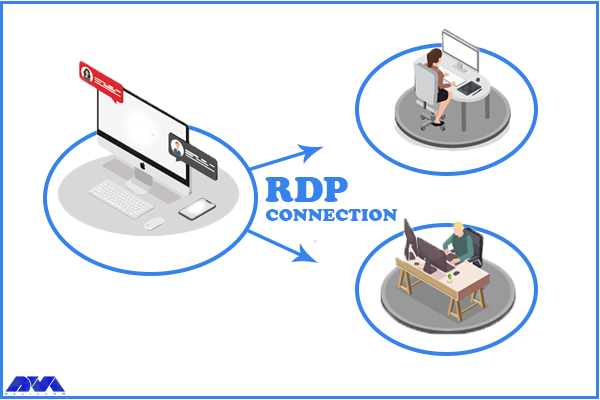
    What Is Admin RDP

    What is Remote Administration?

    Remote administration allows you to use technologies such as RDP to monitor and manage computer programs from a remote location without a physical location, and even diagnose and fix their problems. It can work on any computer with a local area network, internet connection, or IP.

    What are the Benefits of Admin RDP for Remote Administration?

    Now we want to take a closer look at this issue and examine the benefits of choosing Admin RDP for remote administration.

    Using a Remote Desktop Connection Ensures an Easy Access

    There may be a situation where you don’t have access to your system or devices, remote access can make your job easier. This allows IT managers to monitor and control devices located in remote areas. Also, employees who are always on the move are monitored and issues on their devices can be easily fixed remotely. This feature also ensures the safety of employees while dealing with device-related issues.

    RDP Admin Eases the Challenge of Device Management

    Troubleshooting technical problems is the responsibility of IT managers and this work should be done with remote access of administrators. They must be vigilant to ensure that all systems are compliant with the principles. For example, the appropriate software versions have been assigned. admin RDP allows administrators to provide a remote desktop connection and thus edit permissions, change settings or perform other tasks without physical access to the system.

    Remote Access Helps in Saving Money

    The use of remote access means that technicians do not have to visit the site for repairs and troubleshooting, and users do not need to take their systems to them. Therefore, companies can avoid high travel costs and save money. Also, there is no waste of time. These items increase productivity. AdminRDP software also optimizes ROI.

    Ensure the Security of the Remote Desktop Connection

    Advanced security features are among the prominent benefits of remote desktop software. This software protects business information, so its security must be very strong. The security process in these systems is that they encrypt data and access to user’s information becomes very difficult. Remote service providers have a team of professionals who maintain the servers and always have the latest security measures.

    How Does Admin RDP Work?

    How RDP works is that a user or executive uses RDP client software to connect to a remote Windows PC or server running rdp. Also, a graphical user interface helps the admin or user to open programs and edit files directly. Admin RDP also has an open-source version.

    To use Admin RDP, you need to have a compatible device, such as a Windows PC, an Android phone, or an iOS tablet. You also need to have an internet connection and the Admin RDP software installed on both your device and the remote computer. Once you have installed the software, you need to set up the remote computer to allow remote connections and provide you with an ID and a password. Then, you need to enter the ID and password of the remote computer on your device and click Connect. After that, you will see the screen of the remote computer on your device and be able to control it as if you were sitting in front of it.

    Conclusion

    Admin RDP is a great way to take control of devices from different locations. It is a helpful solution and protocol for administrators to ease their work in controlling and monitoring other computers. So this software is not an option, it’s a must. Here, we gave a short explanation of Admin RDP and tried to show the benefits of this protocol for remote administration.
  • The Top Bitcoin VPS Server Providers for Crypto Enthusiasts

    The Top Bitcoin VPS Server Providers for Crypto Enthusiasts

    When it comes to web hosting, one of the most popular options for businesses is virtual private server (VPS) hosting. A VPS offers more control and flexibility compared to shared hosting, while still being more affordable than dedicated hosting. In this article, we review some of the top Bitcoin (BTC) VPS server providers for Crypto Enthusiasts.

    Top 5 Bitcoin VPS Server Providers in 2023

    In the continuation of this article, stay with us to introduce you to the Top 5 Bitcoin VPS Server Providers in 2023. You can buy and use the services provided on these websites by purchasing with Bitcoin and other cryptocurrencies.

    1) NeuronVM

    Are you looking for a hosting solution that combines the benefits of a Virtual Private Server (VPS) with the convenience and security of Bitcoin (BTC) payments? With a Bitcoin VPS server, you can enjoy fast and reliable hosting while maintaining your privacy and harnessing the power of cryptocurrency. Bitcoin is a consensus network that has created a new payment system and a completely digital form of money. It is the first decentralized peer-to-peer payment network provided by its users without any central authority or intermediary.

    Windows VPS server plans on NeuronVM start at $16.99 per month. This plan includes a dual-core processor, 2GB of RAM, 30GB of storage space, and unlimited bandwidth For more information, you can visit the NeuronVM website.

    neuronvm

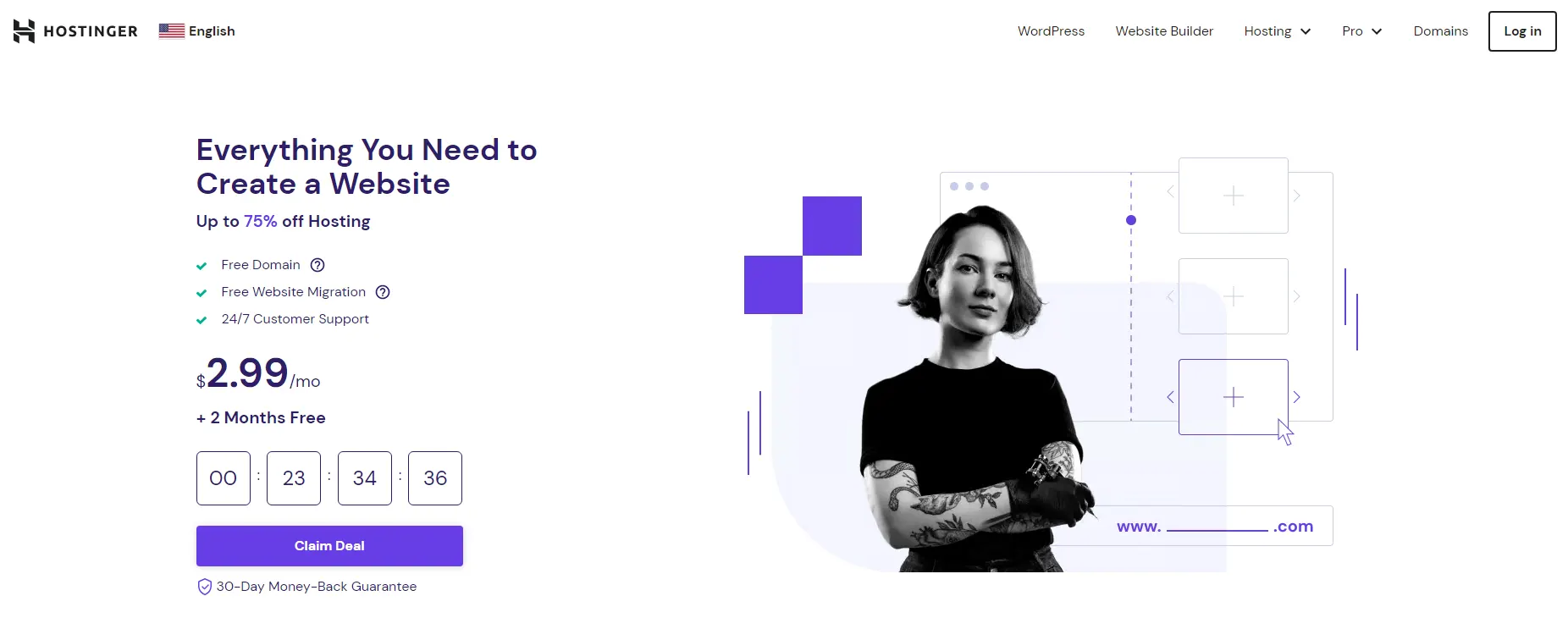
    2) Hostinger

    Hostinger was launched in 2004 in Latvia under the name Hosting Media and changed its name to Hostinger in 2011. Since then, this hosting service provider has reached 24 million fixed customers. The best data centers for this collection are located in Brazil, Netherlands, Lithuania, America, and Singapore.

    Hostinger’s VPS server plans start at $4.99 per month. This plan includes a single-core CPU, 4GB of RAM, 50GB of NVMe storage, 1TB of bandwidth, and weekly backups. This site offers more diverse services such as VPS and domain registration to its customers. You can buy the various services you want, including a VPS server, using Bitcoin from this website.

    hostinger

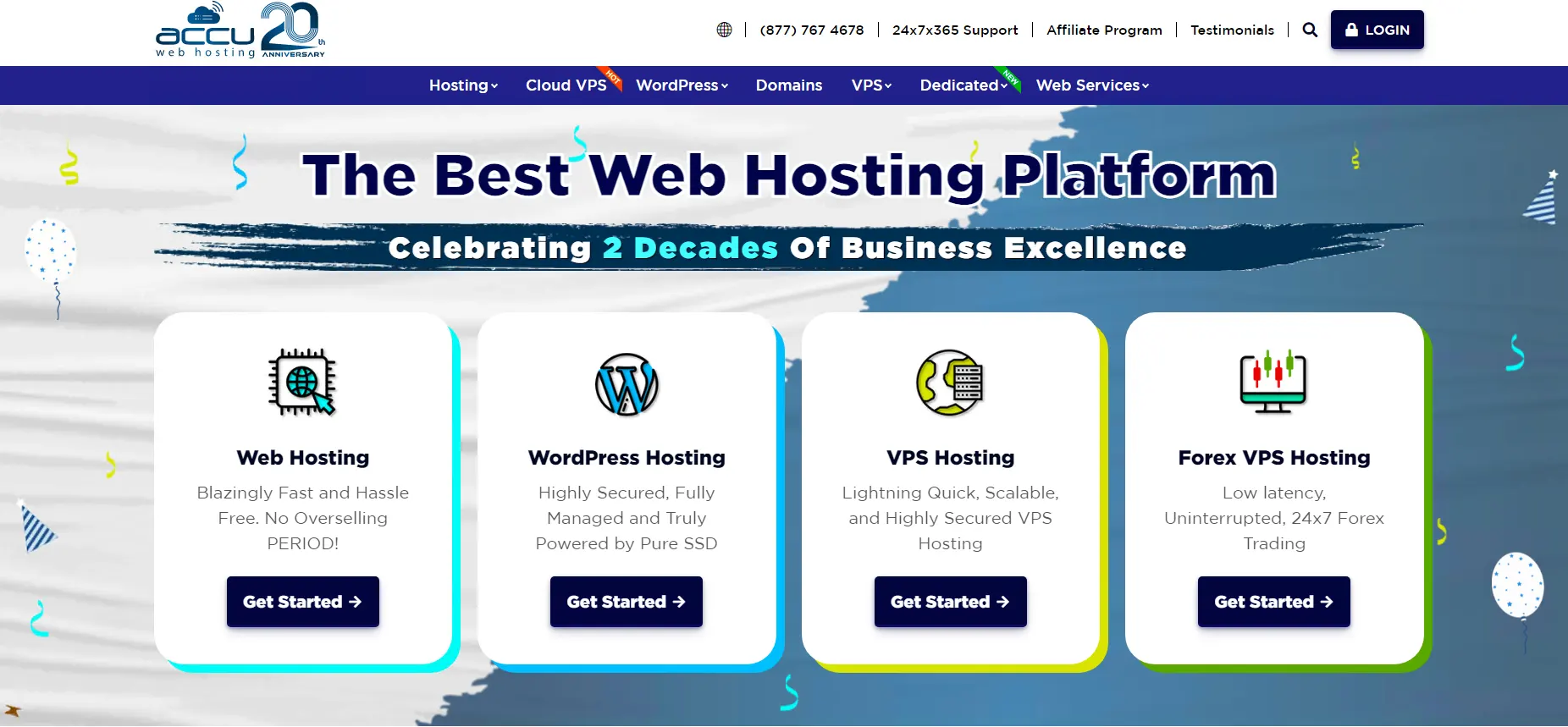
    3) AccuWebHosting

    AccuWebHosting is a hosting provider that specializes in Windows hosting. Their Linux and Windows VPS plans start at $6.99 per month and include 1GB of RAM, a single-core CPU, 40GB of storage space, and 500GB of bandwidth. AccuWebHosting also offers managed hosting services, which means they take care of server management and security. They also offer 24/7 customer support. On this website, you can buy the service you want using Bitcoin or other digital currencies.

    accuwebhosting

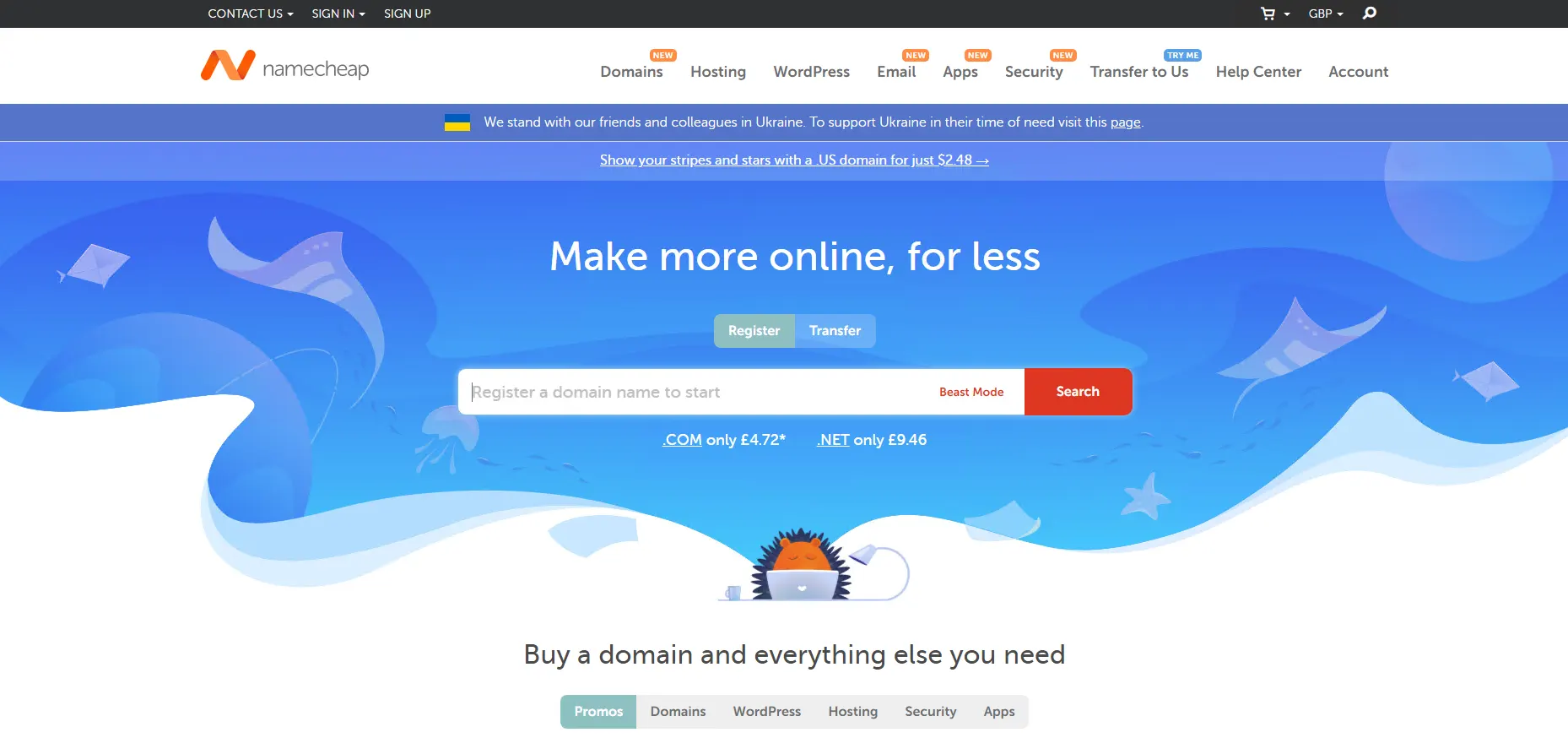
    4) Namecheap

    Over the past years, hosting services have improved and gained many fans. You can use Namecheap website hosting packages. When you use the hosting services of this company, this hosting is done in two stages. First, this site will access your information and data such as passwords, DNS information, and user activity, and will help you against any problems you may have with your site. In the next step, all the information inside the site, contents, SSL files, and email logs will be stored entirely for you.

    Namecheap’s VPS server plans start at $5.43 per month. This plan has a dual-core CPU, 2GB of RAM, 40GB of SSD RAID 10 storage, and 1TB of bandwidth. You can use Bitcoin to buy VPS on the Namecheap website.

    namecheap

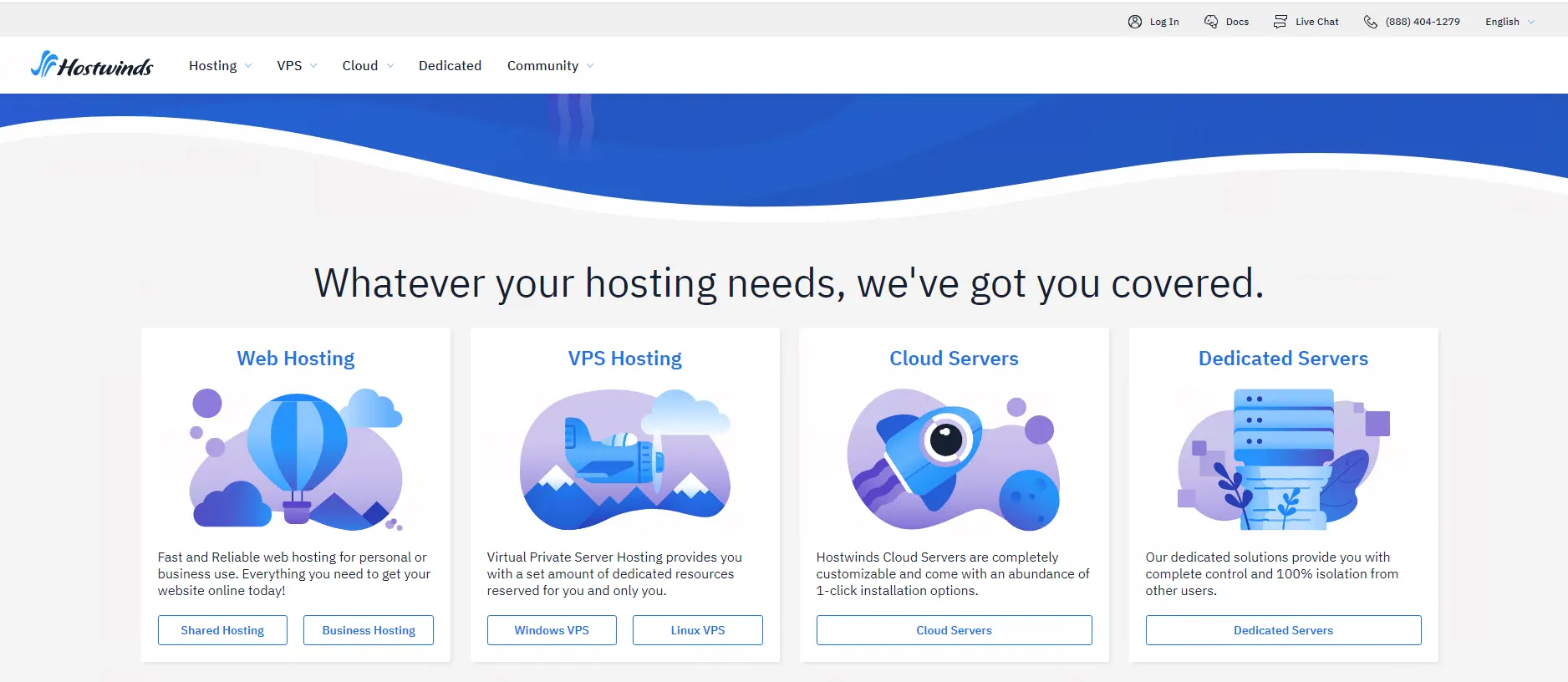
    5) Hostwinds

    Hostwinds is a hosting provider that offers a variety of hosting plans including Windows and Linux VPS hosting. Their VPS plans start at $12.74 per month and include 1 GB of RAM, 1 CPU core, 30 GB of storage, and 1 TB of bandwidth. Hostwinds also offers 24/7 customer support and a 60-day money-back guarantee. You can choose the service you want and pay using Bitcoin or other digital currencies.

    hostwinds

    Conclusion

    With the increase in the price of VPS servers, the attractive offers of VPS vendor companies have become very tempting. In this article, we have introduced the list of The Top Bitcoin (BTC) VPS Server Providers for Crypto Enthusiasts, which have good quality, competitive prices, and easy payment with crypto. If you have any questions, you can share them with us in the comments section.

  • The Benefits of Using a Bitcoin VPS Server for Your Business

    The Benefits of Using a Bitcoin VPS Server for Your Business

    Did you know that you can have a hosting solution that can come with the benefits of a virtual server and provide you with the high security and compatibility of a dedicated server at an affordable price? This server is an adaptable option for users who want to use Bitcoin for payment and full control of their online presence. Our goal in this article is to focus on Bitcoin Servers and review the benefits of using a Bitcoin (BTC) VPS server for your business.

    What is a Bitcoin VPS Server?

    When we talk about Bitcoin VPS, that is you can buy VPS services using Bitcoin or other cryptocurrencies as a form of payment. This crypto payment will help you to quickly access a Windows or Linux VPS anonymously, regardless of your location. This service provides a cost-effective and private solution for web hosting:

    What Is a Bitcoin VPS Server?

    Bitcoin (BTC) VPS server

    What Are the Benefits of Bitcoin VPS?

    Since you got an overview of the Bitcoin VPS server and realized how useful this service can be for you. Now, keep reading to realize some benefits of this perfect service for you:

    Ability to Pay Via Bitcoin

    The ability to pay using digital currencies, especially Bitcoin, is one of the key advantages of this VPS server. It is not necessary to use usual payment methods such as credit cards or bank transfers, and this payment method will make the purchase process faster and safer.

    Possibility of Customization

    Bitcoin VPS gives you complete control over your online appearance. That is, it makes you able to install personalized software and adjust the server you need according to your taste and needs.

    Enhanced Security and Privacy

    Bitcoin VPS increases the security and privacy of your server. Since the blockchain technology used by Bitcoin has encryption and strong security measures, hackers cannot easily access your data. Because, in general VPS is such that you use a central server and are exposed to intrusions and attacks.

    Providing Dedicated Resources

    All your VPS resources are yours alone. You can also access more RAM and CPU. So these things make you run more programs and handle more traffic. The good news is that VPS servers allow you to receive these benefits without spending more.

    Improved Performance

    When it comes to using a Bitcoin VPS server and allocating more resources to your business, you can experience a higher level of performance. In addition, with the increase in capacity and processing power, the loading of your site in the visitor’s browser will increase, and as a result, the interaction will be done at a higher level, and even the SERP ranking will increase.

    How to Buy a Bitcoin VPS from NeuronVM?

    Bitcoin can be ordered for Windows VPS, Linux, Admin RDP, Mikrotik, and even a dedicated server with fast deployment. Therefore, with the increasing use of this currency, a secure encrypted payment system has been created so that customers can pay for their orders with it.

    You can purchase a Bitcoin VPS server, such as NL RDP Server, from the NeuronVM and enjoy your fast and safe purchase. Bitcoin VPS server is provided on our website from different locations like Russia, Canada, Australia, Germany, Japan, France, the United States, Hong Kong, the United Kingdom, the Netherlands, Singapore, Romania, Hungary, Thailand, the Philippines, Ukraine, Bulgaria, etc.

    Conclusion

    If you want to use Bitcoin to pay for your server and maintain your online presence at the same time, Bitcoin VPS is a good option for you. You can use Bitcoin to pay for VPS servers while maintaining your security and staying anonymous. Our goal in this article was to introduce you to Bitcoin VPS so that you can understand its benefits and use it.

    FAQ

    Who is responsible for managing Bitcoin servers?

    Nobody owns a Bitcoin network. Bitcoin is under the control of all of the users around the world.

    Which locations are providing Bitcoin VPS servers?

    Locations like the Netherlands, Australia, Germany, Japan, France, Turkey, Russia, Canada, Singapore, the United States, Hong Kong, the United Kingdom, Romania, Hungary, Thailand, the Philippines, Ukraine, Bulgaria, etc.

  • Comparison of VDI vs RDS; Advantages and Disadvantages

    Comparison of VDI vs RDS; Advantages and Disadvantages

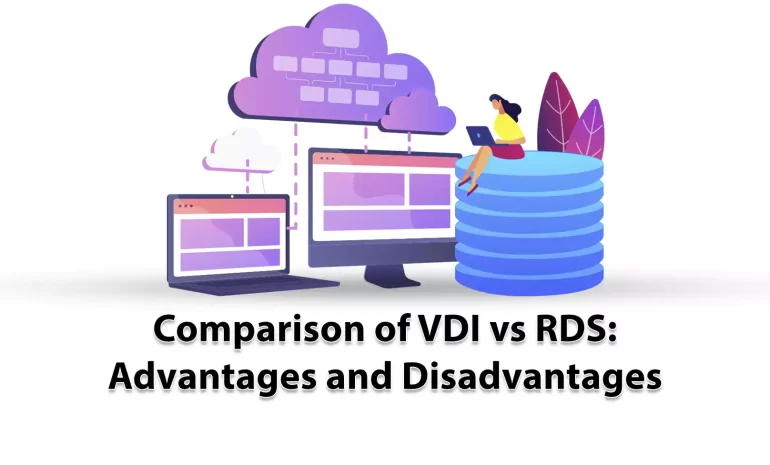
    Here, we will discuss VDI and RDS technologies types for virtual desktops. These two are alternative desktop virtualization and remote desktop technologies. These solutions were created to achieve desktop virtualization. VDI and RDS have their own characteristics. So, we decided to examine these technologies and presented an article including the comparison of VDI vs RDS, advantages and disadvantages to give you a clear guide and help you to decide between them.

    What is VDI?

    The way it works in the virtualization system VDI (Virtual Desktop Infrastructure) is in such a way that a desktop operating system is managed and controlled by a remote server. Users use this technology to log into a remote server and create a separate virtual operating system that runs for users on top of a hypervisor. When the user logs in, the connection broker connects their session to the virtual machine.

    What is RDS?

    Remote Desktop Services (RDS), was developed by Microsoft with the aim of making users less dependent on their local desktop. This technology was known as Terminal Services prior to 2008. RDS is very useful because it is helpful for users in accessing desktops and applications from different types of client applications and devices via Microsoft’s Remote Desktop Protocol (RDP).

    What is the Difference Between VDI and RDS?

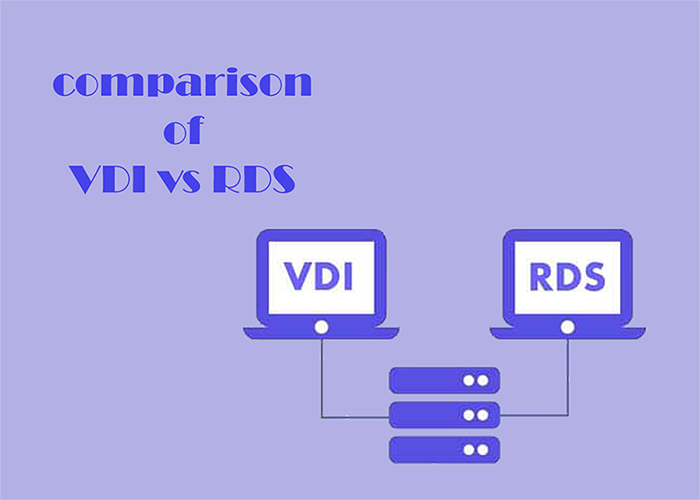
    RDS and VDI offer similar functionality. With both of these technologies, users log on to a remote system, which provides users with a desktop containing all the software they need to carry out their work. You can store all files and applications remotely.
    Troubleshooting issues is very easy and also handles software upgrades. We suggest you choose and use the Admin RDP plans of our website.

    VDI vs RDS

    VDI vs RDS

    The experience of using RDS or VDI is almost the same for users. However, there are significant differences between the two that focus on aspects such as:

    – Flexibility

    – Reliability

    – Maintenance

    These differences make each solution compatible with different types of organizations based on the requirements.

    Now, we will analyze the advantages and disadvantages of VDI and RDS.

    What are the Advantages of VDI?

    Here are some advantages of Virtual Desktop Infrastructure:

    Improved User Experience

    As VM is separated from the rest of the system, you will have no connection problems. This will cause to allocate more power to the users who really need that. For example, users who use memory-intensive software such as Photoshop can run a Windows desktop operating system instead of a Windows server with the help of virtual machines, and in this way, things go faster and easier.

    The Possibility to Choose Application

    If you use VDI you can have a wider range of applications to use and there will be fewer compatibility issues.

    Offline Working

    Offline working is supported by VDI. As a result, users can continue to work even without the Internet, so that when they come back online, data can be easily synchronized with the server.

    Device Flexibility

    VDI is created in a way that users can connect with their own smartphone, laptop, tablet, or desktop.

    What are the Disadvantages of VDI?

    These are the disadvantages of VDI:

    Higher Upfront Costs

    Using VDI involves a lot of costs. These costs include Hardware costs, software costs, and finally IT support costs.

    IT Staff that are Dedicated

    VDI server has a skilled and professional team or IT provider to set up and manage virtual machines and systems.

    What are the Advantages of RDS?

    Everyone on your team can log in to the same Windows server to execute the applications, and each user can have their own session. Some other advantages are:

    Lower costs

    RDS Includes minimal cost. Also, low costs include minimal demand for hardware costs.

    Simplicity

    This solution is really simple to setup and you can add new users for a split second.

    Easier Maintenance

    Maintenance is also easier and quicker in RDS.

    What are the Disadvantages of RDS?

    In the end, we will point to some disadvantages of RDS:

    Limited Application Use

    You can not run every application on RDS.

    Connectivity Problems

    To use this server you should always be online.

    Limited Personalization

    You can not customize the desktop or applications you use on this server.

    Performance

    The performance of the server may decrease if users use the system at the same time.

    Which Solution Is Better; VDI or RDS?

    There is no definite answer. It depends on your goal. That is if the users are more and they should use the same server and do similar tasks and applications, RDS is a better choice. Also, you will pay less. But, if you are willing to use less-common programs and your users are different with different types of work, it’s better to use VDI.

    Conclusion

    As mentioned here, VDI or RDS are two great solutions for you to ease your work when you want to connect to the server or systems and use different applications. We tried to compare these two (VDI vs RDS) and specify their characteristics, and also help you to make a better and clear choice. We hope you enjoy the article.

    FAQ

    Can we use VDI and RDS together?

    Yes, this option is possible in a hybrid deployment. So, you can leverage all of the benefits of these solutions at the same time.

    Which Solution is more secure; VDI or RDS?

    In VDI each user has its own server so VDI offers higher security than RDS.