Tag: Game Server

  • Unearthing the Best Game on Linux in 2023

    Unearthing the Best Game on Linux in 2023

    It’s close to the end of the year and almost everyone is listing their favorite products of 2023. We thought it would be a cool idea to take a look at the best games on Linux in 2023, because why not?! As the popularity of Linux continues to rise, gamers are eagerly searching for the best game that embraces this open-source operating system. In this article, we delve into the world of Linux gaming to discover the ultimate champion in 2023. By examining some of the most beloved Linux games, including Minecraft, Dota 2, and Team Fortress 2, we aim to determine the best game on Linux in 2023, captivating players with its immersive gameplay and unrivaled Linux support.

    Remember to play these games you can easily get a Linux VPS and try them out right away.

    Best Linux Game 2023

    Introduction to Linux Gaming

    In 2023, the concept of Linux gaming is gaining traction and becoming increasingly popular in the IT world. A considerable 3% of individuals prefer Linux over other operating systems, contributing to the growth of this dedicated and enthusiastic community.

    Notably, the Linux gaming community is known for its active and inquisitive nature, always seeking new experiences and improvements. As a result, the number of game developers choosing to publish their games on the Linux OS is steadily increasing, exemplifying the expanding support for this platform.

    The Linux gaming community is known for its active and inquisitive nature, always seeking new experiences and improvements.

    Choosing The Best Linux Game 2023

    In 2023, when choosing the top Linux game, certain contenders stand out: Minecraft, Dota 2, and Team Fortress 2.

    Minecraft, known for its widespread acclaim, supports Linux and has a large player base. Players can freely express themselves and build virtual worlds in the sandbox-style gameplay of Minecraft. Regular updates and user-created content enhance the appeal for Linux enthusiasts, making Minecraft a formidable candidate for the best Linux game in 2023.

    Dota 2, a MOBA game, is well-known in the gaming community. Developed by Valve Corporation, it offers exciting gameplay on Linux. It has complex mechanics and a strong competitive scene, attracting a dedicated fan base. Regular updates and an active community contribute to its ongoing success. With its popularity and longevity, Dota 2 could be the best Linux game in 2023.

    While Minecraft and Dota 2 are great, it’s important not to overlook Team Fortress 2. Developed by Valve Corporation, this class-based first-person shooter has a Linux version. With its fast-paced action, unique character classes, and vibrant art style, Team Fortress 2 offers a refreshing gaming experience. It also has well-balanced gameplay, extensive customization options, and a dedicated community that shares user-generated content. Due to its solid reputation and enduring popularity, Team Fortress 2 is a strong contender for the best Linux game in 2023.
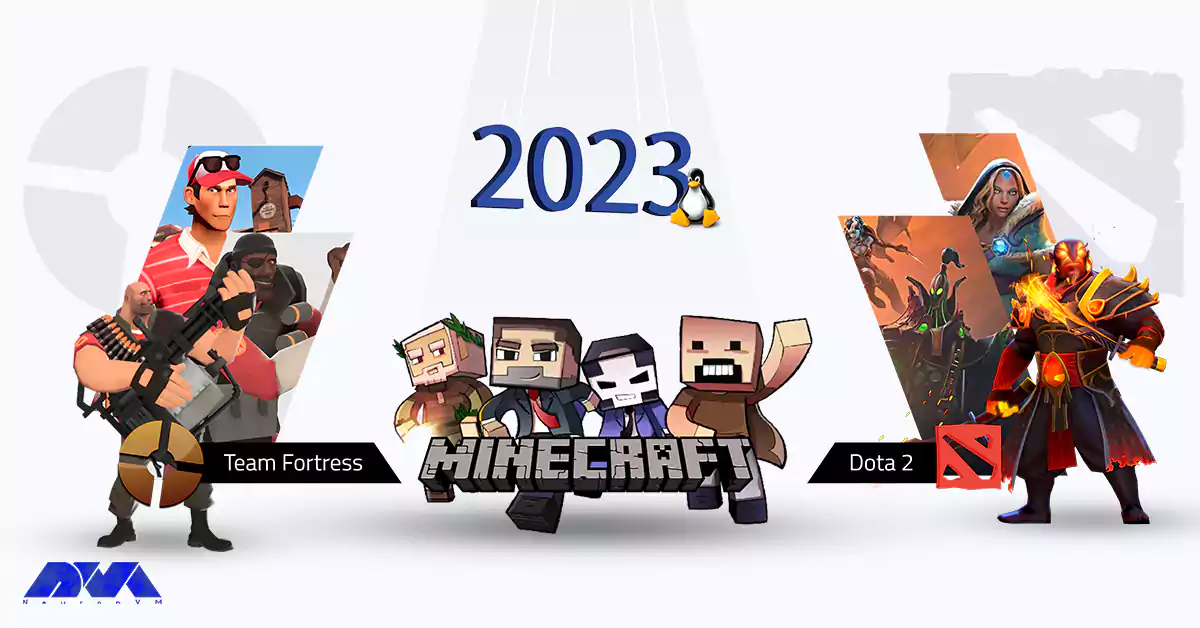
    Team Fortress, Minecraft, Dota 2

    Minecraft

    A Limitless World of Creativity! Minecraft is a game that needs no introduction, stands as a true testament to the possibilities of Linux gaming. With its ever-expanding player base, Minecraft shines as the epitome of the best game on Linux in 2023.

    The game’s sandbox nature encourages players to explore, craft, and build their virtual worlds in an open-ended environment, captivating users with its boundless creativity. With robust modding support and a passionate community sharing their creations, Minecraft remains a firm favorite even as the gaming landscape evolves.
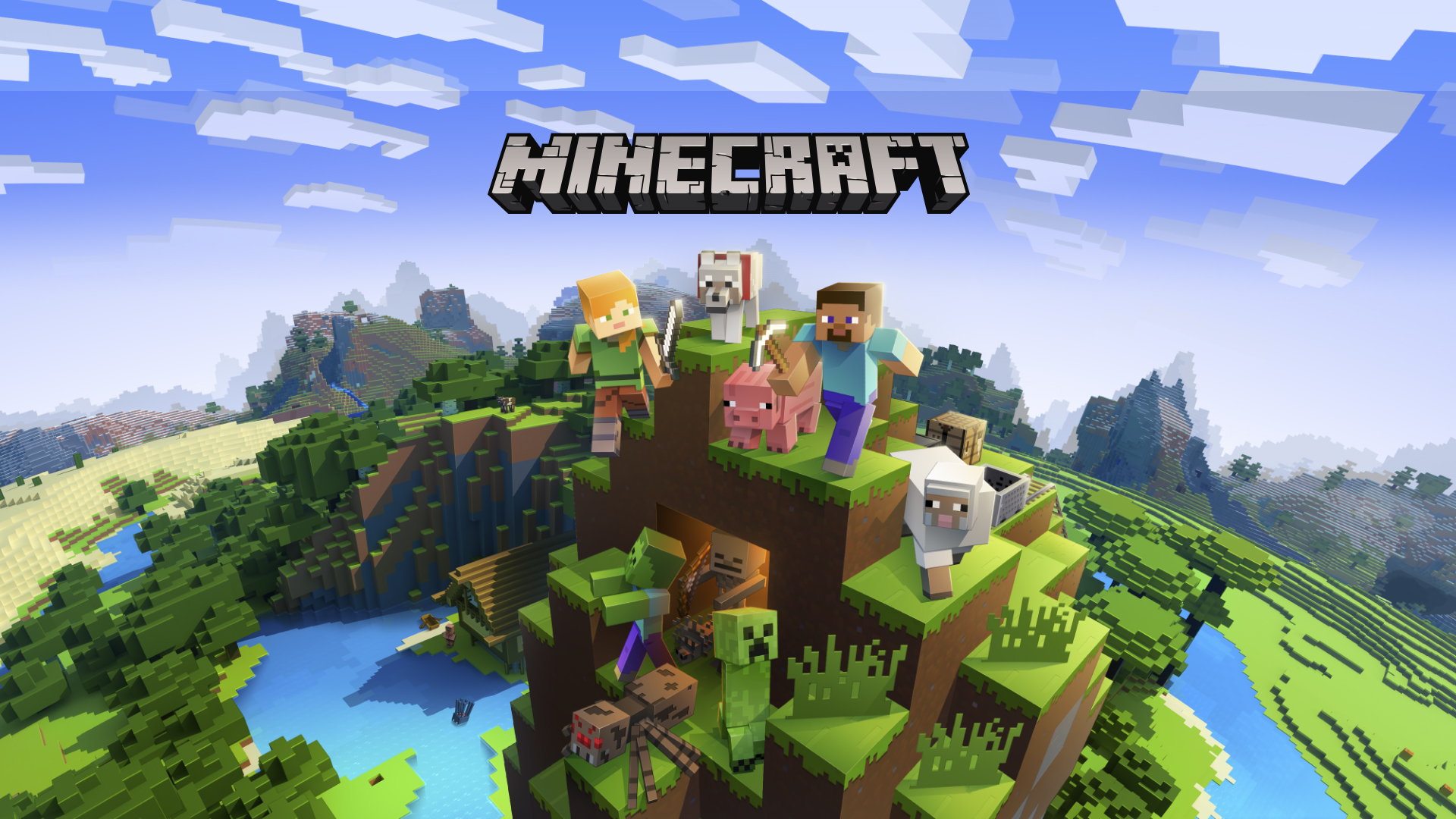
    Best Game on Linux 2023: Minecraft

    Dota 2 

    The Unparalleled MOBA Experience Among the avid Linux gaming community, Dota 2 has emerged as a frontrunner, offering an unrivaled multiplayer experience. This free-to-play multiplayer online battle arena (MOBA) game has taken center stage in the competitive gaming scene.

    Captivating players with its strategic depth and heart-pounding action, Dota 2 is without a doubt a beast of a game. Dota 2’s Linux support remains top-notch, solidifying its place in the list of the best games on Linux in 2023. With regular updates, a dedicated community, and an intense esports scene, Dota 2 continues to thrive and enthrall players on the Linux platform.
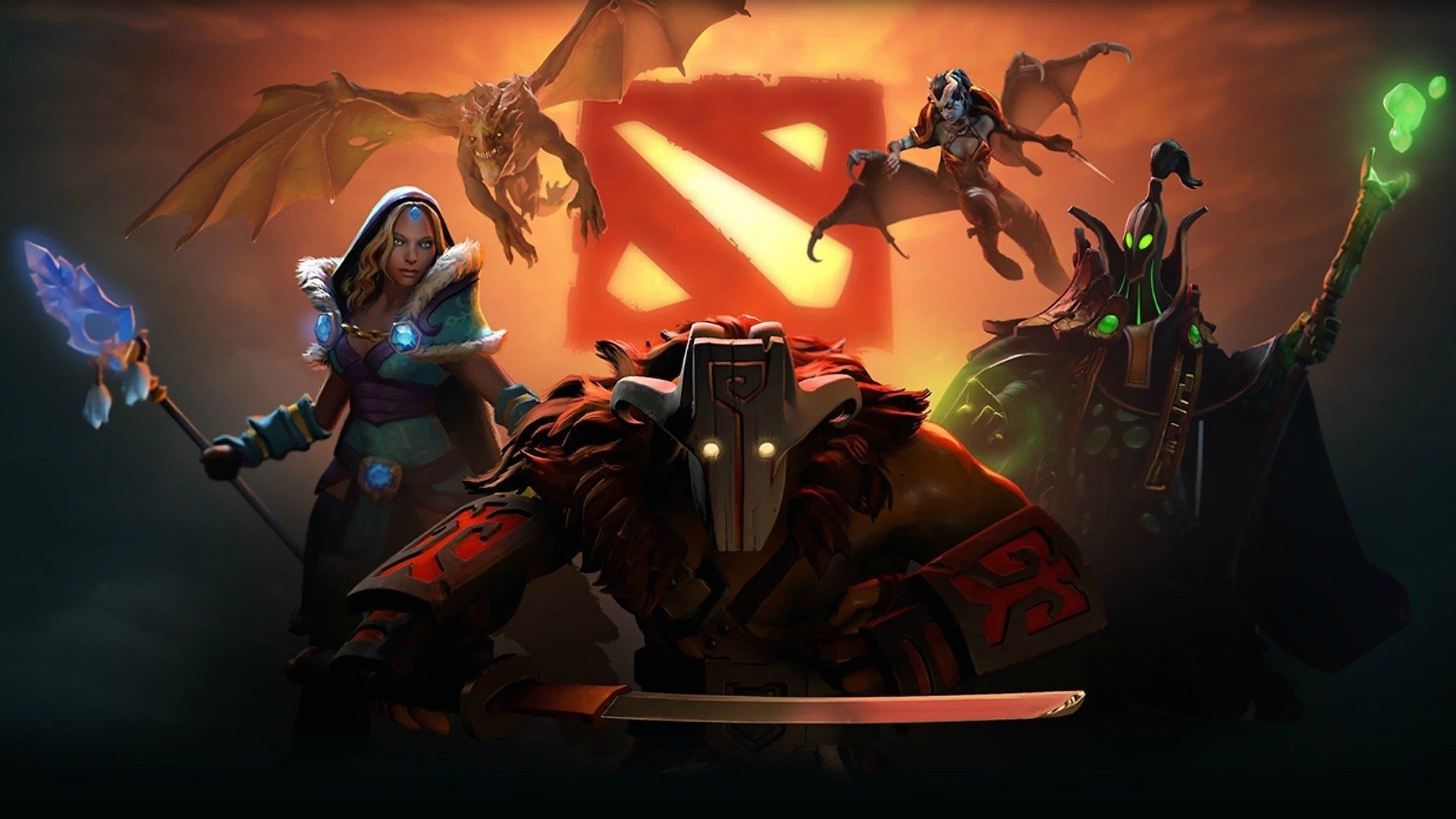
    Best Game on Linux 2023: Dota 2

    Fortress 2

    Timeless Multiplayer Brilliance Team Fortress 2. It’s a classic title known for its engaging multiplayer gameplay, remains an all-time favorite in the Linux gaming community. The game’s iconic art style, fast-paced action, and well-balanced classes contribute to its status as one of the best games on Linux in 2023.

    With ongoing developer support, regular updates, and an enthusiastic player base, Team Fortress 2 has stood the test of time. It showcases its dedication to the Linux platform and its ability to maintain a loyal following.
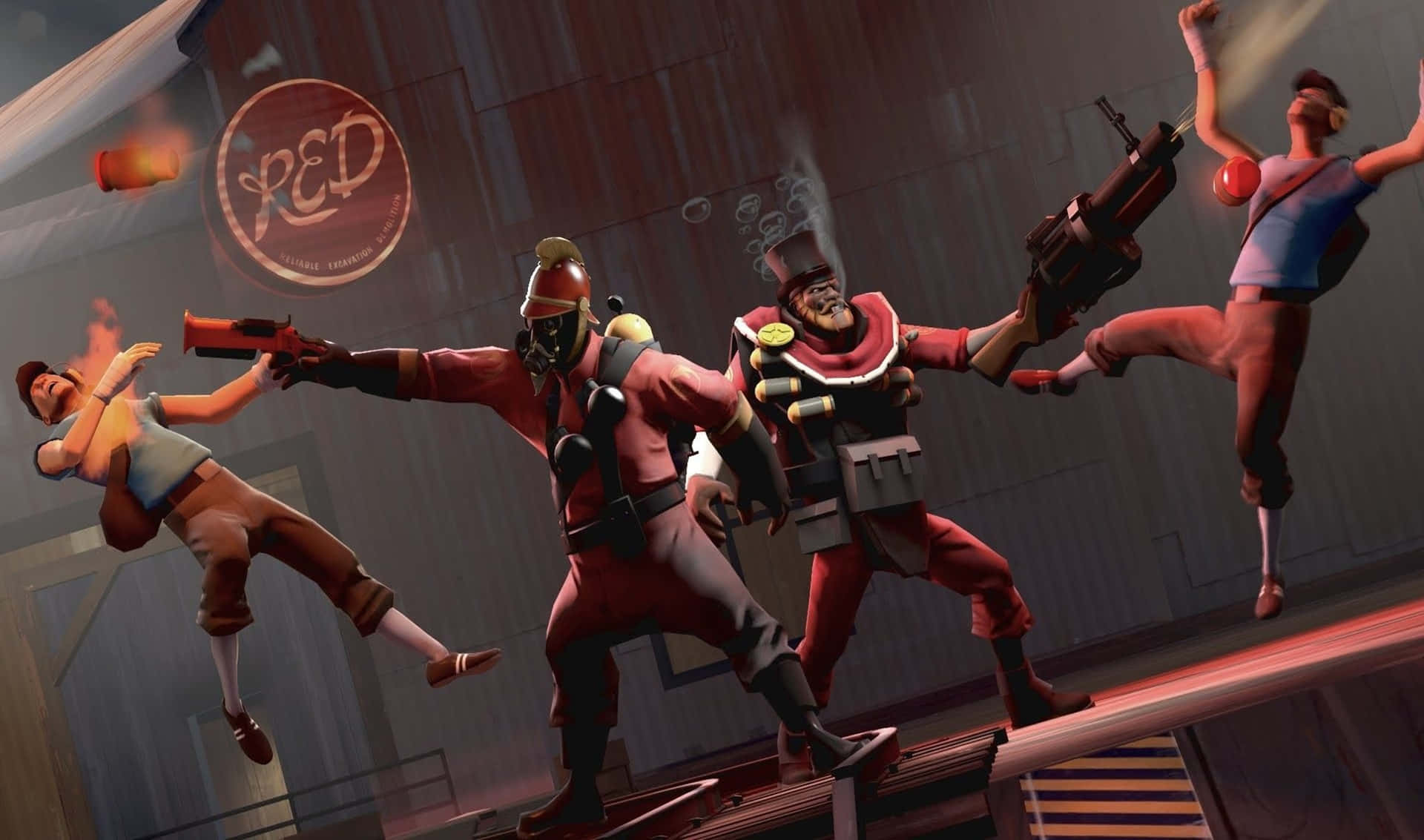
    Best Game on Linux 2023: Team Fortress 2

    Comparison and Winner: The Best Game on Linux 2023

    From the start I knew that Choosing between these three really awesome games is going to be really hard. And yes, my estimation was true! When it comes to choosing the best Linux game of 2023, a lot of it just comes to personal taste. But I want to say putting everything together, my choice is still Minecraft! It’s The Undisputed Best Game on Linux 2023.

    While Dota 2 and Team Fortress 2 both have their merits, Minecraft emerges as the winner, securing its position as the best game on Linux in 2023.

    With its limitless creativity, tremendous modding potential, and cross-platform compatibility, Minecraft has built a thriving community that transcends platforms. Additionally, Minecraft’s extensive support for Linux and its constant evolution through updates and community-driven content continually rejuvenate the game. It actually makes the game an unparalleled experience for Linux gamers.
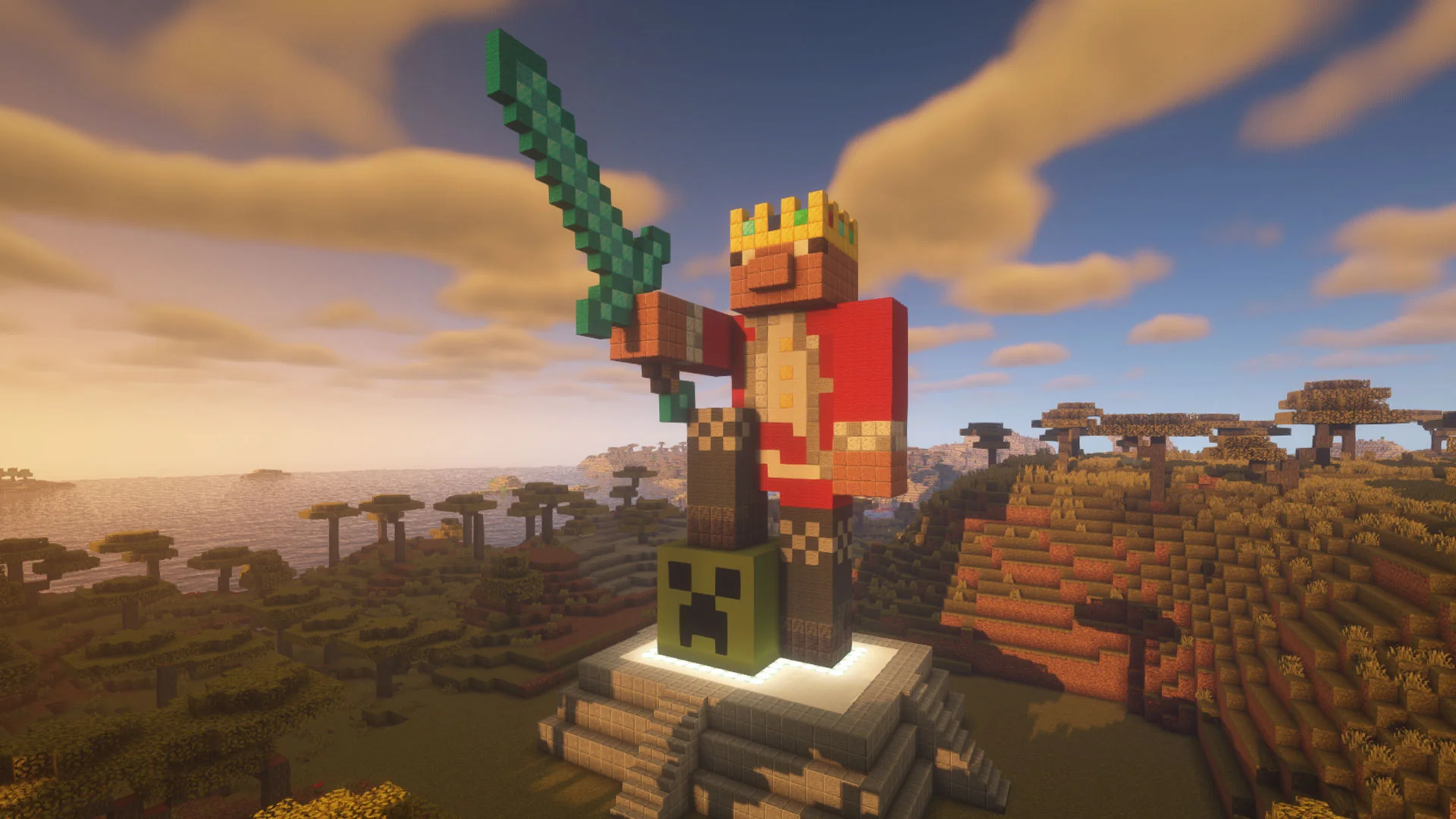
    The Winner: Minecraft

    Final Thoughts

    Linux gaming gains traction as more game developers prioritize support for the open-source operating system. Minecraft claims the top spot in 2023, thanks to its captivating gameplay and dedicated community involvement. Like its rivals being Dota 2 and Team Fortress 2, Minecraft excels in fostering boundless imagination and creativity. The unwavering Linux support for Minecraft ensures that Linux gamers can rely on it for immersive gaming experiences well into the future.

  • The Ultimate Dedicated Servers for Gaming Enthusiasts

    The Ultimate Dedicated Servers for Gaming Enthusiasts

    In the ever-evolving world of gaming, where multiplayer experiences dominate, nothing can enhance your gaming journey more than a dedicated server specifically tailored for this purpose. Dedicated servers for gaming not only guarantee impressive performance but also streamline online interactions, ensuring seamless gameplay. This article will explore the importance of servers in gaming, how they enhance gaming experiences, their advantages such as uninterrupted performance, low latency, customization options, and powerful hardware specifications. Additionally, we will guide you on where to purchase top-quality dedicated servers for gaming.

    Why Dedicated Servers are Crucial for Gaming?

    Dedicated servers play a crucial role in providing an exceptional gaming environment. Unlike shared servers, dedicated servers exclusively allocate resources to a single user or group of users. This level of exclusivity translates into numerous benefits, such as enhanced control, reduced instances of lag, and improved security. Dedicated servers eliminate the inconvenience of relying on peer-to-peer connections, ensuring a stable and reliable gaming experience.

    How Dedicated Servers Can Help Your Gaming Experience?

    Dedicated servers immensely contribute to improving your overall gaming experience. By hosting games on a dedicated server, players gain increased control over various aspects, ranging from rules and regulations to game modifications and expansions. Moreover, these servers facilitate faster and smoother gameplay by reducing latency and optimizing bandwidth allocation.

    Dedicated Servers Can Help Your Gaming Experience

    Consequently, gaming enthusiasts can enjoy faster and more responsive interactions, resulting in an immersive and enjoyable gaming atmosphere.

    Uninterrupted Gaming Performance

    One of the most significant advantages of dedicated servers for gaming is uninterrupted performance. These servers are specifically designed to handle the intense demands of modern multiplayer games, ensuring minimal downtime and a seamless gaming experience.

    Uninterrupted Gaming Performance

    By removing the risk of server overload due to other users’ activities, dedicated servers provide the ideal infrastructure to support heavy gameplay while maintaining consistent performance levels.

    Low Latency and High Bandwidth Network

    Dedicated servers offer low latency and high bandwidth network capabilities, essential for reducing delays and ensuring quick response times in online gaming. When utilizing a dedicated server, data travels directly from the server to the players, eliminating the need for data to pass through multiple intermediate points. This means faster and more precise gameplay, giving gamers a competitive edge in highly dynamic and fast-paced games.

    High Bandwidth Network and Low Ping

    Customization and Flexibility Options

    With dedicated servers for gaming, customization and flexibility options are plentiful. Gaming enthusiasts can tailor server settings to suit their preferences, ranging from choosing specific game modes and implementing mods to controlling player access and security measures. This freedom to customize ensures a unique gaming experience and allows players to establish communities, fostering an inclusive and engaging environment for fellow enthusiasts.

    Customization and Flexibility Options

    Powerful Hardware Specifications

    Top-tier gaming servers feature powerful hardware specifications aimed at delivering optimal gaming performance. With cutting-edge processors, ample storage, and high-performing graphics cards, players can immerse themselves in graphics-intensive games without worrying about hardware limitations. The capabilities of these servers truly unleash the full potential of the gaming experience, enabling gamers to push boundaries and explore vast virtual worlds without compromise.

    Powerful Hardware Specifications in dedicated servers

    Where to Buy a Dedicated Server for Gaming?

    For those seeking the ultimate servers for gaming, several reputable providers cater to this specific niche. Be sure to choose a provider with a proven track record, extensive customer support, and reliable server uptime. Conduct thorough research, read customer reviews, and assess each provider’s offerings, ensuring that you select a dedicated server solution that aligns with your gaming needs and budget.

    Here at NeuronVM, we offer dedicated servers tailored for professional gamers. Play different games like Minecraft, Call of Duty, CS:GO or any other games you fancy on our powerful servers. You can also get a Game VPS if you don’t need the power of a dedicated server just yet. With more than 4 years of experience, 24/7 technical support and various ways for payment, I’m sure you’ll get what you need!

    Final Words

    In conclusion, dedicated servers for gaming are an essential investment for enthusiasts seeking the ultimate playing experience. By providing uninterrupted performance, low latency, high bandwidth, customization options, and powerful hardware specifications, dedicated servers revolutionize the multiplayer gaming landscape. To elevate your gaming adventures to new heights, consider investing in a dedicated server that suits your requirements. Join the ranks of elite gamers and experience the full potential of these servers for gaming.

  • What is Minecraft Server?

    What is Minecraft Server?

    Running a Minecraft server can be a rewarding experience, but it requires time, effort, and possibly some technical know-how. Make sure to stay up to date with the latest developments in the Minecraft server community to provide the best possible experience for your players. It can be said that this game is such that anyone can setup a Minecraft server for themselves, and then invite other players to join this game and advance the game. This article focuses on Minecraft servers to explain what is this gameplay.

    A Comprehensive Guide to Minecraft Server

    A Minecraft server is a dedicated or hosted computer system that allows multiple players to connect and play this popular game from Sandbox, together in a shared world. These servers provide a platform for players to interact, collaborate, and compete in a variety of game modes and environments.

    Minecraft game is a competitive and cooperative game among the participants. This fascinating game can be played online and in real-time. The important thing is that you need a dedicated server to play this game with others, i.e. a shared online computer.

    The game interior is designed in such a way that participants can build construction projects together or create works of art, just like the real world.

    what is Minecraft server

    As we mentioned above, to own and use a Minecraft server you will need a dedicated server. NeuronVM is one of the reliable providers that offers Minecraft on a dedicated server. Yes! you can use the benefits of this provider’s dedicated server for Minecraft.

    That means you can experience complete control, advanced performance, and more confidence. Enjoy this integrated gameplay with the least delay in performance. So don’t waste time and say goodbye to the limitations of shared hosting to continue your adventure with this wonderful game.

    What Are the Plugins and Mods of Minecraft?

    Plugins and mods can greatly enhance and customize your Minecraft server, offering a wide range of new features, gameplay options, and server management tools. Here’s an overview of the difference between plugins and mods, as well as some examples of each:

    Plugins are add-ons or extensions for Minecraft server software. They allow server administrators to modify the server’s behaviour and introduce new features without altering the core game files. Plugins are typically written in Java and are compatible with server software that supports the Bukkit API.

    Examples of Minecraft plugins:

    • Essentials: Adds essential commands and features like /home, /tpa, and /warp for players.
    • WorldEdit: Provides powerful world editing and building tools for server admins.
    • Lockette: Allows players to lock chests, doors, and other containers to prevent unauthorized access.
    • Vault: A permissions API that enables integration with various other plugins.

    Mods, short form of modifications, are custom changes made to the game’s code or assets. They typically require both the server and client to have the same mod installed. While mods can significantly alter the game, they are not officially supported by Mojang (the company behind Minecraft) and can lead to compatibility issues.

    Examples of Minecraft mods:

    • Optifine: A client-side mod that enhances graphics, improves performance, and adds advanced visual features.
    • Biomes O’ Plenty: A mod that introduces new biomes, landscapes, and plants to the game.
    • Tinkers’ Construct: Adds new tools, weapons, and smelting systems for players to use.
    • JourneyMap: Provides a map and minimap for players to explore and mark their surroundings.

    Tip: It’s essential to note that when using mods, both the server and the client must have the same version of the mod installed for compatibility. Using mods can introduce compatibility issues and potential conflicts In contrast, plugins are often easier to manage and maintain, as they work with server software that supports the Bukkit API and doesn’t require players to install anything on their clients.

    What are the Features of a Minecraft Server?

    Minecraft based on providers and its own program, includes various features. These features make players experience a stable and enjoyable game environment. Some of these features include:

    Customization

    The customization option in the Minecraft server allows you to change server settings and gameplay elements based on player preference. These settings include things like server rules, plugins, or existing mods. We can also customize the player experience, security settings, and performance.

    The possibility of Configuration

    Minecraft server configuration means you can choose options and set up the server. In this way, the performance of your server will be optimized. Proper configuration makes your gaming experience enjoyable and continuous.

    There are different settings for Minecraft hosting. The choice depends on things like the number of players, available resources, or the complexity of the game. Also, choosing a VPS or a dedicated server will also be effective.

    Control Panel

    The control panel has the role of an intuitive user interface for the server. Server administrators can make settings this way, add plugins, and monitor user permissions. Several different tools can be used to monitor and increase server performance. cPanel is one of the most widely used control panels.

    Providers like NeuronVM create these custom control panels to meet customer needs. These solutions may offer a unique interface or proprietary features.

    Possibility of Scalability

    Scalability means the server’s ability to manage the number of players. It means that the functionality should be extended without a negative impact on performance and stability. Minecraft servers also include two main scaling options. vertical and horizontal.

    In vertical scaling, by increasing the RAM capacity, the server hardware also increases, and the purpose of this work is to increase performance. The vertical scaling feature is useful for smaller servers with limited resources.

    In contrast, sub-horizontal scaling involves adding more servers. in such a way that it distributes the load and provides more resources for the server. This sustainable solution manages the increase in user demand.

    Great Protection

    The protection feature in Minecraft servers plays an important role and makes the server safe and stable from threats such as hacking, virus infection, or DDoS attacks. The high security of the server includes the privacy of the users and prevents disruption of the game.

    Protecting servers and players includes many defense strategies that hosting companies offer. Among these strategies, it is possible to mention the deployment of a half-firewall and the use of DDoS protection.

    Resource Allocation

    If we want to explain the allocation of resources in Minecraft servers more, it refers to the distribution and management of server resources. These resources include CPU, RAM, or server memory. Allocating resources helps to maintain a fast and responsive server environment. This will attract and retain players. The high processing of the game is related to the power of CPU and RAM.

    Different Types of Minecraft Server

    Minecraft is a versatile game that allows players to create and join various types of servers, each offering a unique gameplay experience. Here are some different types of Minecraft servers:

    what are Minecraft server types

    Creative Servers: In creative mode, players have unlimited resources and can fly, making it easy to build elaborate structures without the need to gather materials.

    Survival Servers: These are the most common types of Minecraft servers. In survival mode, players must gather resources, build structures, and protect themselves from mobs (hostile creatures). The goal is to survive and thrive in the game world.

    PvP Servers: PvP servers are dedicated to combat and competition among players. They can take various forms, such as faction-based PvP, kit PvP, or even custom game modes.

    Mini-Game Servers: Mini-Game servers host a variety of mini-games within Minecraft. These can include games like Spleef, Parkour, Hunger Games, and more. Players compete against each other, and the focus is on quick and fun gameplay.

    Role-Playing Servers (RPG): On RPG servers, players take on roles and immerse themselves in a virtual world. They create characters, follow storylines, and interact with others in a role-playing fashion.

    Economy Servers: These servers focus on a player-driven economy. Players can buy and sell items, create shops, and engage in trade to accumulate wealth and resources.

    Vanilla Servers: These servers aim to maintain a mostly vanilla Minecraft experience with few or no mods or plugins. They provide the classic, unaltered gameplay.

    Educational Servers: Some servers are designed for educational purposes, allowing players to learn and explore topics such as history, science, or architecture within Minecraft.

    We can introduce lots of other Minecraft server types, These are just some of them. The type of server you choose to play on depends on your preferences and the kind of Minecraft experience you’re seeking.

    Best Practices to Use Minecraft Server

    Running a Minecraft server can be a fun and rewarding experience, but it’s important to follow best practices to ensure a smooth and enjoyable gaming environment for your players. Here are some best practices to use when running a Minecraft server:

    – Choose a dedicated server or host on a powerful machine with sufficient CPU, RAM, and storage to handle your player load.

    – Setup automated backups of your server to prevent data loss in case of crashes or errors.

    – Try to back up your world every day. Use automated backups.

    – Protect your server with strong, unique passwords, and use a whitelist to control who can join. Regularly update your server software.

    – Establish clear server rules and enforce them. Consider appointing moderators or administrators to help manage the server and deal with rule-breakers.

    – Use plugins or mods to enhance gameplay, but be cautious about overloading the server with too many, as this can affect performance.

    – Schedule regular server maintenance to perform updates and backups. Also, optimize server performance.

    – Optimize server settings in the server.properties file, such as view distance, tick speed, and max players, to suit your hardware and player needs.

    – Try to install an anti-cheat plugin and kick out malicious players automatically.

    – Before adding new plugins or major changes, test them in a separate environment to ensure they won’t negatively impact the server.

    Conclusion

    In short, you can use the Minecraft server as an optimal solution for creating and managing game experiences that are customized according to your needs. The impressive features of this server improve performance, high security, and round-the-clock support, making it a great choice for gamers and developers. So, by purchasing this attractive server, experience an enjoyable and limitless game with your friends. Happy Minecrafting.

  • How to Configure Minecraft on Ubuntu 20.04

    How to Configure Minecraft on Ubuntu 20.04

    Have you ever heard the name of the game Minecraft? This game is one of the well-known and popular sandbox games, which has sold more than 100 million copies. Users can do Minecrafting together in this game world. If you have a public Minecraft server, you can create larger structures with the cooperation of other players. Keep in mind that each player is independent and you do not control others. As a result, buy a Minecraft server to have more management and control in the game. Learn how to configure Minecraft on Ubuntu 20.04.

    A Brief Explanation of Minecraft Server

    A Minecraft server is a computer system or a hosted online service that allows players to connect and play the popular sandbox video game, Minecraft, together in a multiplayer environment. Minecraft servers come in various forms, from small private servers run by individuals or groups of friends to large public servers that can accommodate hundreds or even thousands of players simultaneously.

    Minecraft servers have played a significant role in the game’s enduring popularity, allowing players to create and join diverse communities and experiences within the Minecraft universe. Whether you’re interested in creative building, survival challenges, or unique mini-games, there’s likely a Minecraft server out there that caters to your preferences.

    Prerequisites to Install Minecraft

    You can get Minecraft from various providers. NeuronVM is one of the recommended providers that offers Minecraft servers. But you should prepare some prerequisites to run this amazing gameplay. Here are the requirements to run and configure Minecraft on Ubuntu:

    • 64-Bit architecture
    • Appropriate version of Java
    • strong internet access
    • A license key that you can purchase from the Minecraft website

    How to Configure Minecraft and Run it on Ubuntu

    The first step to run Minecraft server is to install Java because Minecraft is a Java-based gameplay. So follow the command below to install Java:

    apt-get install openjdk-11-jre-headless git build-essential -y

    To check the installed version use the following command:

    java -version

    Installing Minecraft on Ubuntu

    You can use two methods to install Minecraft on Ubuntu. We will show you both of them:

    • Use Debian package
    • Use Snap package

    Installing Minecraft By Debian Package

    First download the Microsoft Debian package using the command below:

    wget -o ~/Minecraft.deb https://launcher.mojang.com/download/Minecraft.deb

    Now, install the downloaded package by the following command:

    sudo apt install ~/Minecraft.deb

    As you run the command successfully, Minecraft will be installed on your Ubuntu system.

    Installing Minecraft By Snap Package

    The second way or snap is an easier method than Debian for Linux packages. Because Ubuntu 20.04 and later versions have a default snap profile configured. In this method, to install the game launcher, create a terminal and type the following:

    sudo snap install mc-installer

    That’s it! Now you have Minecraft on your server and you can start using this great application.

    How to Start Minecraft on Ubuntu

    In this section, you will access the Minecraft launcher icon. So, login to your Ubuntu desktop manager and click on Show Applications then search for Minecraft in the search box:

    launch minecraft server

    As you see the Minecraft icon, click on it and start the application:

    Tip: the application will update automatically during the start.

    update minecraft - Configure Minecraft on ubuntu

    The login screen will appear as soon as you start the game. You should use your Microsoft account to login and run the game:

    Login to the minecraft - Configure Minecraft on ubuntu

    Troubleshooting Common Issues About Minecraft Server

    Minecraft server issues can vary from technical problems to gameplay-related issues. Here are some common Minecraft server issues and their solutions:

    1- Server not starting

    Solution:

    Check that you have the correct version of Java installed, and ensure you are using the correct server JAR file. Review server logs for error messages that can provide more specific clues.

    2- Connection problems

    Solution:

    Verify that the server IP and port are correct. Ensure that your firewall or router is not blocking the server’s port (default is 25565). If hosting locally, use “localhost” as the server address.

    3- Lag and Performance Problems

    Solution:

    Optimize server settings, allocate more RAM if needed, use performance-enhancing server software like PaperMC, and consider upgrading your server hardware or hosting plan if lag persists.

    4- Whitelist and Permissions Problems

    Solution:

    Check your server configuration files for whitelist settings and permissions. Make sure players are added to the whitelist (if required) and have the necessary permissions to join and interact.

    Best Practices to Use Minecraft

    Whether you’re a beginner or an experienced player, here are some best practices to enhance your Minecraft experience:

    1- If you’re new to Minecraft, start with Survival mode. It introduces you to the core mechanics of the game, such as gathering resources, crafting, and surviving against hostile mobs.

    2- Minecraft has a vast and diverse world to explore. Go on adventures, discover new biomes, and look for hidden treasures.

    3- Let your creativity shine by building structures, houses, farms, and more. Download and use mods and resource packs to customize your gameplay and visuals.

    4- During your first nights, prioritize building a basic shelter to protect yourself from hostile mobs like zombies and skeletons. Later, consider building a more substantial base with defensive features.

    5- Establish a reliable source of food through farming. Wheat, carrots, potatoes, and livestock (cows, pigs, chickens) can provide a consistent food supply.

    6- Explore caves and mineshafts for valuable resources like iron, coal, and diamonds.

    7- Enchanting your weapons, armor, and tools can give you powerful advantages. Set up an enchantment table and explore the world for experience points to use in enchanting.

    8- If playing on a multiplayer server, communication and collaboration with other players can be rewarding.

    9- Regularly backup your Minecraft worlds, especially if you’ve invested a lot of time and effort into them.

    Minecraft is a highly customizable game, and you can tailor your experience to suit your preferences. Whether you enjoy building, exploring, farming, or surviving, there’s a place for you in the Minecraft world.

    Conclusion

    In summary, Minecraft servers enhance the game’s experience by enabling multiplayer gameplay, fostering communities, offering customization options, and providing unique game modes and events. Whether you’re looking for a collaborative building experience or competitive challenges, there’s likely a Minecraft server that suits your preferences and interests.